


ShutterCoach 2.0: Look, Try One Change, Compare
ShutterCoach 2.0 is out on iPhone and iPad: a redesign around re-shooting and comparing, new plans with a free tier, and what existing lifetime owners keep.
By Justin Hogan 3 min read
ShutterCoach 2.0 went live on the App Store on November 9. It’s a redesign built around one loop: look at a photo, try one change, then compare.
1.x was good at telling you what was wrong with a photo. It was less good at the part that actually makes you better, which is going back out and shooting it again. 2.0 is built around that second shot.
Re-shoot and compare
Every critique still reads your photo across six skills (composition, lighting, exposure, focus, color and storytelling) and ends with one concrete thing to try. Now you can act on it right away: re-shoot with the camera, or pick a newer photo from your library, and ShutterCoach puts both critiques side by side. Saved comparisons keep a skill table, so you can see whether the change you tried actually moved anything.
A Studio that puts your photo first
Luna’s reading now sits next to the photo instead of on top of it, and she draws her notes directly on the image, so you can see exactly which part of the frame she means. Ask Luna and the Inspector keep their controls in reach, including with long notes and large text.
A camera that teaches while you shoot
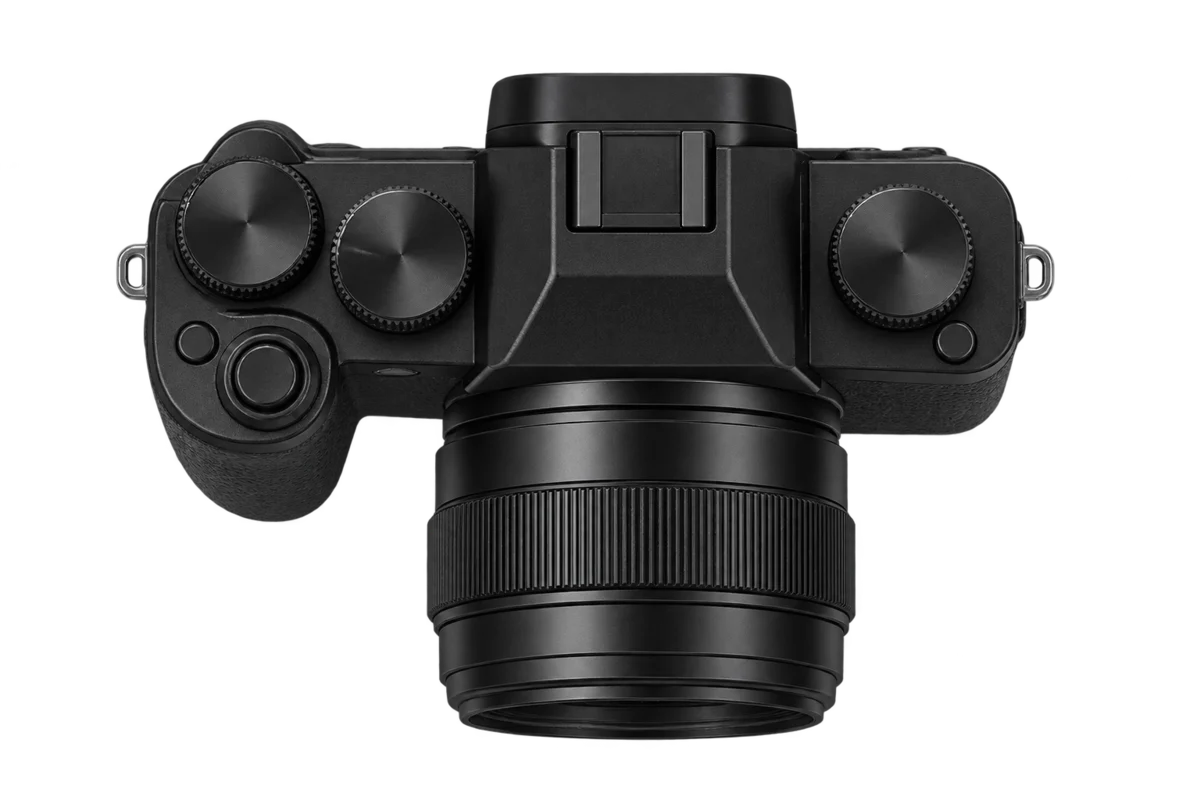
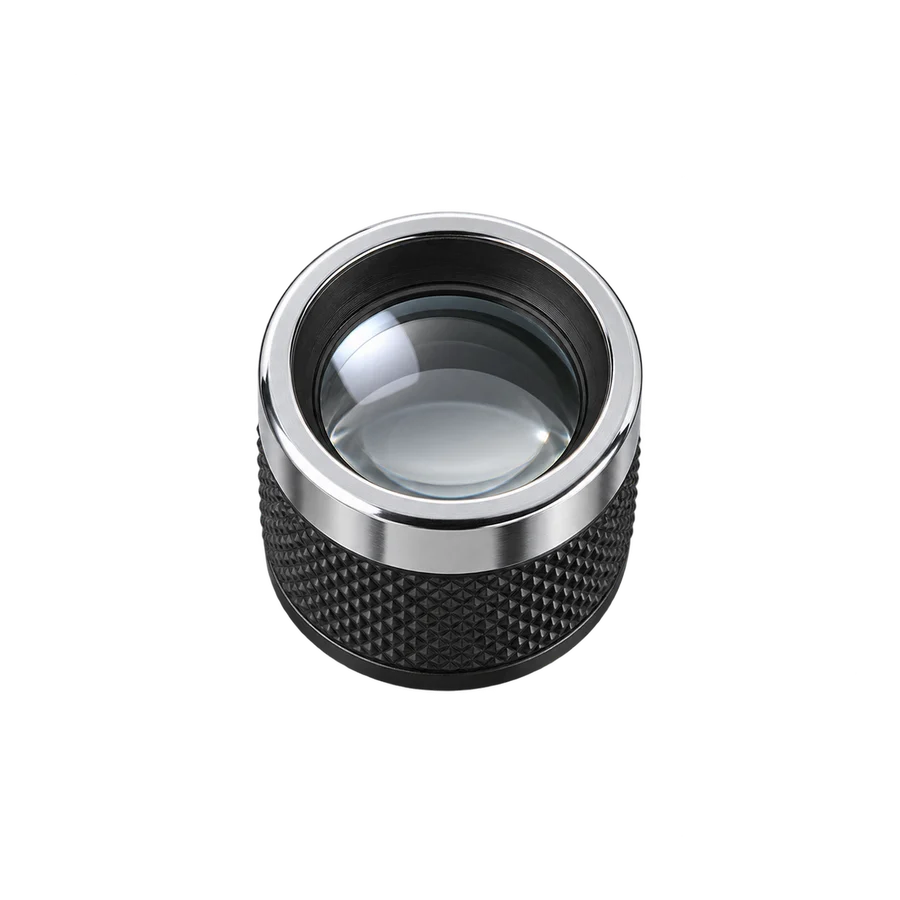
The built-in camera gained Camera Control and hardware shutter support, zebras, manual focus with a loupe, a natural RAW develop and long exposures. Live tips are optional, and you can turn them off when you want to just shoot. “Save with look” puts the look on the copy in Photos and keeps your original in ShutterCoach.
Planning, tools and the rest
The Planner has a new two-column light page with a sky-color forecast. Tools has 12 calculators and a set of poses. There are widgets, Live Activities, Shortcuts and a Luna sticker pack, and the app icon has a 2.0 version with alternates for Pro.
New plans, and what you keep
ShutterCoach is free to start. Your first successful critique opens 7 days of full Pro, with no payment details and nothing that bills you automatically. After that you keep 3 single-photo critiques every 30 days, each with one follow-up question, and the feedback is the same quality as Pro. Failed requests don’t count, and unused critiques don’t roll over.
Pro removes the limit: $9.99 a month, $69.99 a year or $149.99 once for lifetime. Through December 9 (Pacific time), the launch offer makes the first year of annual Pro $49.99 for new subscribers and lifetime $99.99. Those are US prices; the App Store shows yours before you buy. All the details are on the pricing page.
If you bought lifetime or Early Bird Lifetime in 1.x, you keep full Pro, including 2.0 and future Pro updates. You don’t pay again. If Pro doesn’t show up, tap Restore Purchases in the app.
The Chrome extension
The extension’s 2.0 update, with Luna’s numbered notes drawn on the photo and the same plans as the app, is waiting for Chrome Web Store review. Pro carries across the app and the extension when you’re signed in.
Get ShutterCoach on the App Store, and if something in 2.0 doesn’t work the way you expect, tell me.